# Changelog
## Unreleased
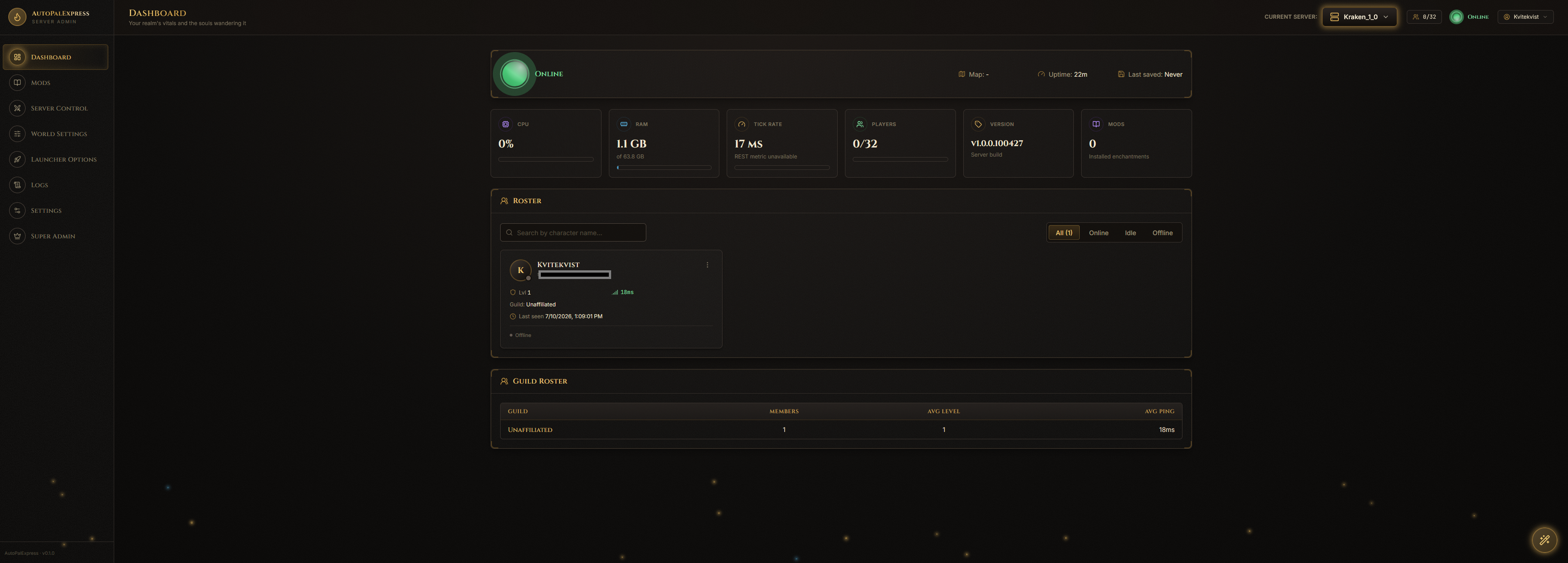
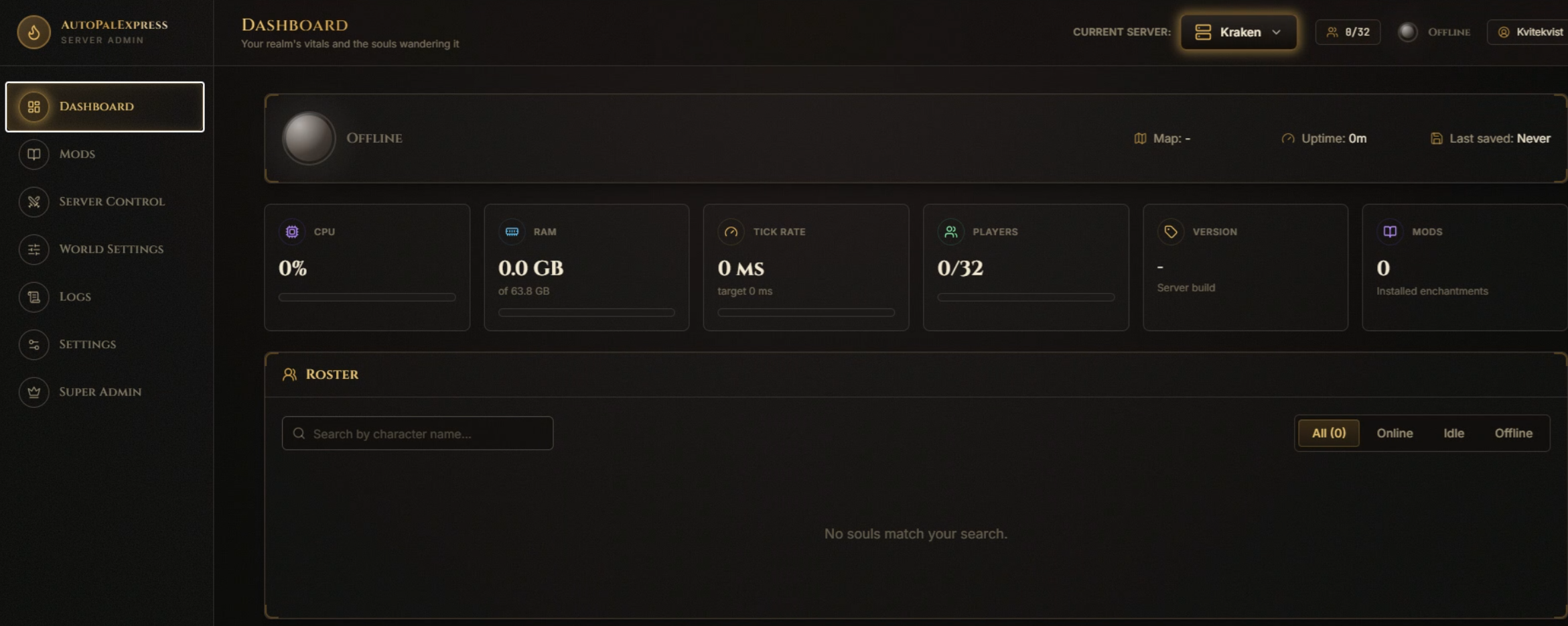
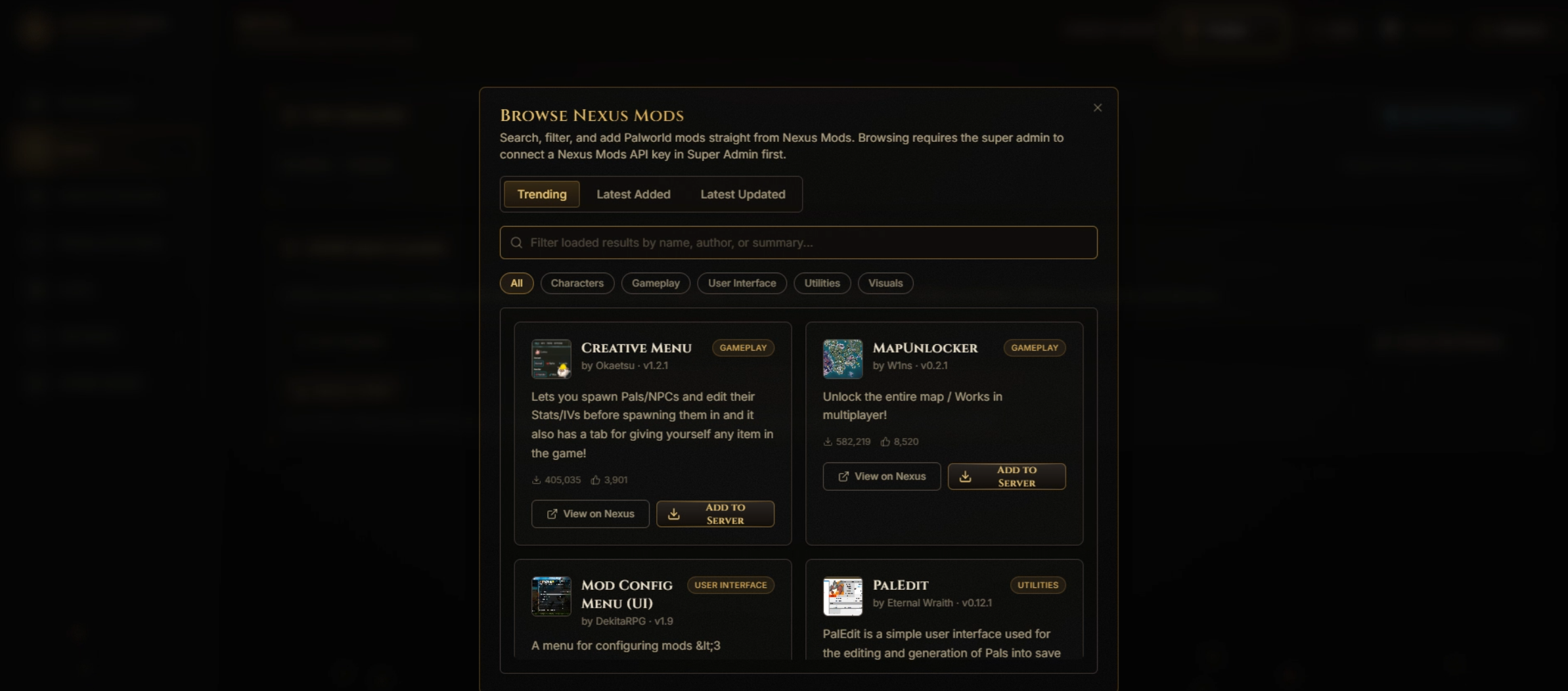
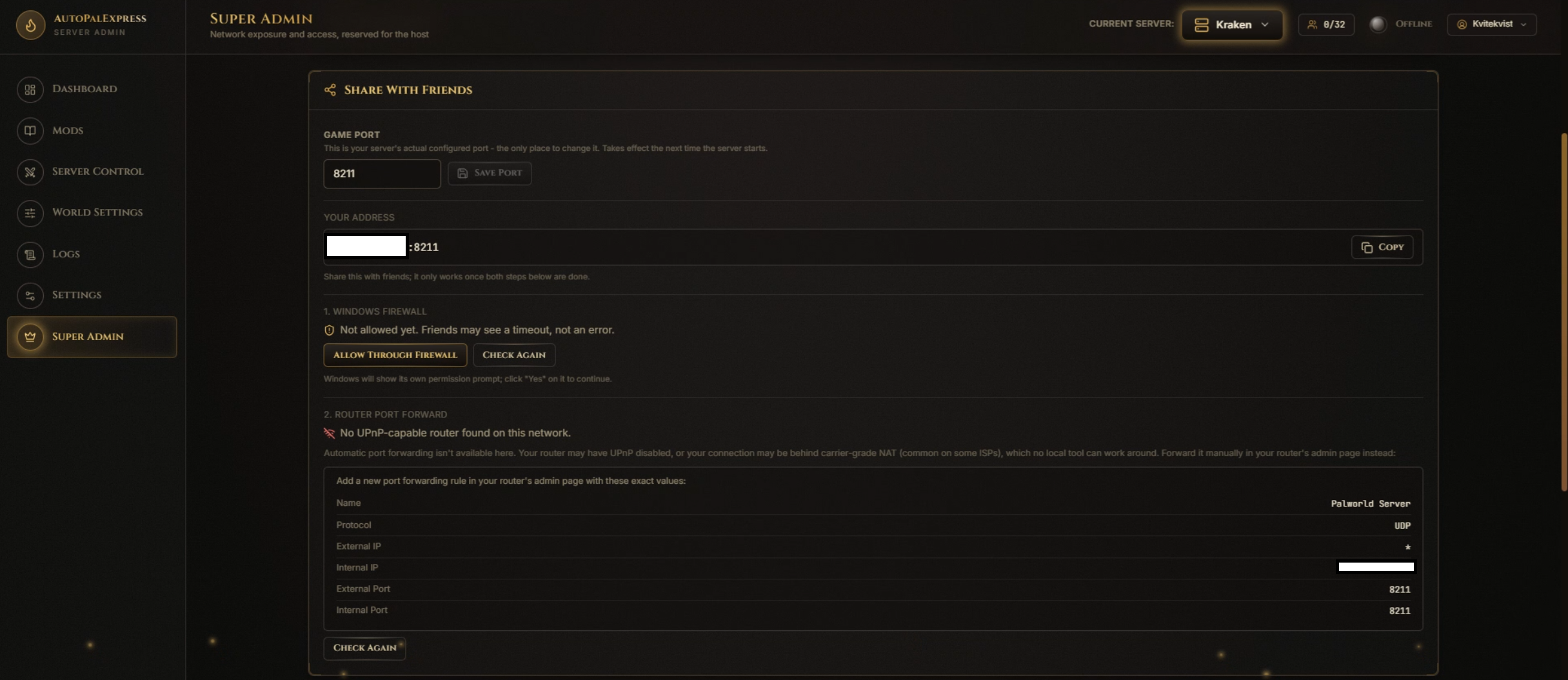
**Wiki screenshots (TICKET-0101):** added all 55 real screenshots to `images/wiki/` and the live GitHub Wiki, replacing the placeholders.
**Wiki rewrite (TICKET-0100):** rewrote all 9 wiki pages as step-by-step "how do I...?" guides with a specific screenshot placeholder per step, instead of generic feature lists.
**GitHub Wiki (TICKET-0099):** published one page per sidebar item to the actual GitHub Wiki tab, matching the pre-existing Home/Getting Started pages' conventions. Also fixed `git push` failing with a stale-credential 403 by pointing git at the already-working `gh` CLI login.
**Wiki (TICKET-0098):** added a `wiki/` folder with one article per sidebar page, each with a screenshot placeholder under `images/wiki/` for the user to fill in.
## 1.0.6 - 2026-07-12
Installer checksum (SHA256): `aabaddd84a80676ea753e925d85fea23e4bd5a1ba80444edbd738149e3139b83`.
**README refresh (TICKET-0096):** documented the sidebar donation link and `scripts\build.bat` as the recommended way to build the installer; verified the local README already matched what's live on GitHub before editing.
**Installer build script (TICKET-0095):** added `scripts\build.bat`, a one-command wrapper around `build_installer.ps1` for rebuilding the packaged executable and installer.
**First-run "no servers" fix (TICKET-0093):** the top bar's server switcher now keeps checking for the installer's seeded first server instead of permanently showing "no servers" if the browser opened before that background deploy finished. Fixes a real install where the switcher stayed empty even after the server was ready, leading to a confusing duplicate-name error until the page was manually refreshed.
**Windows 10 packaged login fix (TICKET-0092 / GitHub #154):** explicitly serve bundled `.js` and `.mjs` files as `application/javascript`. This fixes systems where Windows' MIME registry caused the packaged frontend bundle to be sent as `text/plain`, leaving only the background visible while browsers refused to load the login page.
**GitHub release notifications (TICKET-0091):** AutoPalExpress now checks the public GitHub Releases feed through a cached, non-blocking backend service and shows a restrained sidebar update indicator when a newer stable version exists. No GitHub credential is required and installers are never downloaded or executed automatically. Runtime, Nexus, sidebar, and packaging version checks now share one authoritative application version.
**Subtle donation link (TICKET-0090):** added a small project-styled PayPal donation control at the bottom of the sidebar, using the provided AutoPalExpress merchant details and NOK currency without PayPal's stock image button or tracking pixel.
**Nexus compliance fix (TICKET-0088):** Nexus API requests and the installer now both declare version 1.0.6. Every endpoint that can use the saved Nexus Premium key or initiate a Nexus download, including updates to installed mods, now requires the super admin.
**Server mod wishlist, for Nexus Mods compliance (TICKET-0089):** regular admins can add publicly browsed Nexus mods to a per-server wishlist, but never touch the saved Nexus Premium API key directly - only the super admin's explicit approval can use it to download and install a request (or deny it). Keeps every authenticated Nexus action strictly limited to the super admin, in line with Nexus Mods' Acceptable Use Policy for API keys.
**Mod Wishlist gets its own page (TICKET-0094):** moved mod request approval out of a second Super Admin tab and into its own "Mod Wishlist" sidebar entry under Host Controls, so it's easier to find.
## 1.0.5 - 2026-07-11
Installer checksum (SHA256): `11AB0B83B8230B00A3F4C8B51451CB4DA68C0756867BDC99170F540685236FD9`.
**Mod install fix (TICKET-0082/TICKET-0084):** fixed installing mods whose archive bundles the full relative game path instead of just the mod's own folder (`Pal/Binaries/Win64/Mods/<ModName>/...` or `Pal/Binaries/Win64/ue4ss/Mods/<ModName>/...`, seen with "Infinite Weight In Camp") - these were unpacking into a broken, doubled folder path and not working in-game. They now unpack and install correctly. If you already installed an affected mod and it isn't working, remove it and reinstall the same file to get the corrected layout.
**Multi-file mod picker (TICKET-0083):** Direct Install now shows a list of files to choose from when a Nexus mod has more than one current file (e.g. a Main File plus Optional Files), instead of the app silently picking one for you with no way to choose otherwise. Mods with only one file still install in a single click, unchanged.
**TICKET-0081**: Fixed the Logs page exposing real host/client IP addresses to any logged-in user in the AutoPalExpress output panel - IPs are now masked there unless you're the super admin. Also removed the recurring low-value polling noise that was cluttering that panel, and both Logs panels now show the newest entry at the top instead of the bottom.
**TICKET-0087**: Removed the bundled `Diagnose-AutoPalExpress.cmd` batch file, which some file scanners flag by default regardless of what it actually does. The Start Menu "Diagnose AutoPalExpress" shortcut now launches the same diagnostics script directly through PowerShell instead, with no `.cmd`/`.bat` file shipped at all.
## 1.0.4 - 2026-07-11
Installer checksum (SHA256): `5B726B97261CBB18DBA81A4E4AE5261AFDCF4E9A6386F341B9B043833E429CE6`.
**Fixes an issue introduced in 1.0.3:** the Steam Query Port option could collide with a server's own game port, causing Palworld to silently start on the next open port instead of the one you configured (a mismatch between what the app showed and what the server actually bound to). This is fixed - see TICKET-0075 below.
**TICKET-0078**: Steam Query Port is now an explicit Enable/Disable toggle in Launcher Options and is off by default for both new and existing servers. AutoPalExpress only appends `-queryport=<port>` when you turn it on, and Super Admin's firewall/port-forward checklist only shows query-port steps while it's enabled.
**TICKET-0076**: Fixed the in-app Super Admin diagnostics button so declining or being blocked by the Windows permission prompt no longer leaves you with no report at all. It now falls back to a limited non-admin diagnostics run and clearly marks the report when firewall inspection may be incomplete.
**TICKET-0075**: Fixed Steam Query Port collisions with a server's own game port. If they matched, Palworld would bind the query port first and silently move the actual game server to the next open port, so the server would run on a different port than the one configured in AutoPalExpress. Query port is now guaranteed to stay distinct from the game port (old same-port values are migrated to a safe nearby port automatically), and saving a query port that matches any registered server's game port is now blocked with a clear warning.
**TICKET-0074**: Added a "Run Diagnostics" button to Super Admin that runs the existing diagnostics tool (firewall, port forwarding, REST API, server files, etc.) from inside the app and shows the report right there, instead of needing to find the separate Start Menu shortcut.
**TICKET-0073**: Made the Sidebar's "Host Controls" section (added in TICKET-0070) into a solid gold badge instead of a thin divider line, since it was too subtle for some users to notice. Also moved the Steam Query Port editor (TICKET-0069) from Super Admin into Launcher Options, next to the other launch arguments where it fits more naturally - Super Admin now shows it read-only for reference during port forwarding.
## 1.0.3 - 2026-07-10
Installer checksum (SHA256): `FFF568316915A39FF1BF2900CA2520AF48498610A87A5F50A1A1FC56F014ED3E`.
**A note on the new translations:** every non-English language in this release (Chinese Simplified, Japanese, German, French, Spanish) was translated by AI (Claude), not a human translator or native speaker. We have no reliable way to validate the quality of these translations ourselves. If you spot something that reads wrong, awkward, or mistranslated in your language, please open an issue or leave a comment - we genuinely appreciate the feedback and will fix it.
**TICKET-0069**: Added a Steam query port option, answering a user's question about whether AutoPalExpress could designate a separate Steam server-list/query-protocol port (`-queryport=`) from the game port. Each server instance now has its own query port (defaulting to that instance's game port, so single-server hosts need to do nothing), editable in Super Admin, and covered by the same firewall/UPnP forwarding as the game port whenever it's set to a different value - fixes query-port collisions for hosts running multiple Palworld servers on one machine.
**TICKET-0071**: Fixed Super Admin's Local API panel so the "REST API Enabled" toggle shows its field name as a title above the box with "Enable"/"Disable" text inside, matching how World Settings' toggles already look.
**TICKET-0070**: Super Admin's exclusive Sidebar items (Launcher Options, Settings, Super Admin) now show a small gold crown badge and sit under a "Host Controls" divider, so it's visually obvious which pages only the super admin can see.
**TICKET-0068**: The entire app is now translated in all 6 supported languages - Dashboard (including the player roster and kick/ban/whisper dialogs), Mods (including Nexus browsing/install dialogs and the UE4SS panel), Server Control, Launcher Options, Logs, Settings (startup recovery, users & invites, server instances, automation/backups, deploy/import wizards), and Super Admin (Local API, port forwarding, remote access, Nexus integration). Only World Settings and the TopBar/Sidebar chrome were done before this (TICKET-0066/TICKET-0067) - this covers everything else.
**TICKET-0067**: World Settings is now fully translated in all 6 supported languages - every field's label, help text, description, and dropdown options (not just the Sidebar/TopBar chrome from TICKET-0066). The actual `PalWorldSettings.ini` file and everything sent to the backend still always use Palworld's exact English values (e.g. `Difficulty=Hard`) - only what's displayed on screen changes with the selected language.
**TICKET-0066**: Added multi-language support (i18n). A new language dropdown in the top bar (flag + native name) lets each logged-in user pick their own language, persisted server-side per account so it follows them across sessions/devices. v1 ships English, Chinese (Simplified), Japanese, German, French, and Spanish, translating the Sidebar nav and TopBar page titles/subtitles as the initial proof-of-pipeline surface; more strings/pages can be added incrementally by extending the same translation files.
## 1.0.2 - 2026-07-10
Installer checksum (SHA256): `50f9f4615efc6fa34239169fbde1f08cb8e02041df7354e4e8b0abbb34c5794b`.
**TICKET-0064**: Rewrote `NEXUS_DESCRIPTION.md`'s setup instructions to match `GETTING_STARTED.md`'s full numbered walkthrough (screenshots, tips, warnings, quick fixes), converted to Nexus BBCode with placeholder image URLs ready to swap in after uploading screenshots to Nexus's gallery.
**TICKET-0063**: Fixed a bug found right after shipping TICKET-0062: uninstalling then reinstalling AutoPalExpress never asked to create a new admin account, because the admin account file lived in the same app-data folder deliberately kept for real Palworld server references. Uninstalling now clears the saved admin account and app settings (via the compiled uninstaller itself, so this covers every uninstall path) while still keeping server registrations, mods, and backups untouched.
**TICKET-0062**: The installer now opens with an Install / Update / Uninstall choice right after the Welcome page, so `PalworldServerAdmin-Setup.exe` can drive uninstall directly instead of requiring the separate uninstaller shortcut. Choosing Uninstall confirms, runs the real uninstaller, and exits without continuing into the install wizard.
**TICKET-0061**: Updated World Settings for a Palworld config update that added dozens of new server settings (guild management, voice chat range, PvP damage/kill-drop config, stat-point-allocation locks, respawn penalty tuning, and more), verified against the live installed server's config file. Fixed `bHardcore`'s description, which had gone stale now that Pal permadeath is its own separate setting (`bPalLost`). `PublicIP` is now hidden from the generic editor, matching `PublicPort`, since Launcher Options already owns the public IP override.
**TICKET-0060**: Rebuilt the executable and installer so the installed app includes the corrected World Settings toggle header/text layout.
**TICKET-0059**: Added the available Getting Started screenshot files to git so GitHub can render them, and recorded the remaining missing image placeholders.
**TICKET-0058**: Updated World Settings toggle boxes so the setting name stays as the field header and the box text reads `Enable` or `Disable`.
**TICKET-0057**: Rewrote the Getting Started guide in simpler beginner-friendly language with more screenshot placeholders.
**TICKET-0056**: Fixed World Settings group headers and toggle alignment so boolean controls line up with numeric/dropdown fields without long divider lines after category labels.
**TICKET-0055**: Added a GitHub-ready Getting Started guide with step-by-step setup guidance and screenshot placeholders under `images/`.
**TICKET-0054**: Refined World Settings with concrete numeric examples, compact aligned toggles, clearer alternating category bands, and moved Local API settings to Super Admin.
**TICKET-0053**: Improved World Settings with grouped sections, tooltips, and dropdown controls for known Palworld categorical settings.
**TICKET-0052**: Added a bundled diagnostics command that produces a support report for active server setup, local ports, firewall, REST API, and likely router/ISP issues.
**TICKET-0050**: Fixed port enforcement so it edits the live `PalWorldSettings.ini` in place and preserves unrelated world settings.
Also includes GETTING_STARTED.md screenshot/content updates made directly on GitHub between releases.
## 1.0.0 - 2026-07-07
FIXFixed REST Unauthorized failures caused by blank `AdminPassword`: starting a server through AutoPalExpress now creates one only when missing or empty.
FIXFixed Dashboard roster detection after the REST migration by trying the stored REST management port when the ini check is incomplete and normalizing Palworld player fields before displaying them.
FIXFixed reinstall/update port drift: a remembered Super Admin game port now wins over Palworld's default and is used by Launcher Options.
FIXFixed Launcher Options `-publicport` showing the original default port instead of the live Super Admin game port.
NEWAdded Super Admin-only Launcher Options toggles for `-publicip` and `-publicport`; their values are shown read-only and come from the existing public address/game-port flow.
NEWAdded Server Control update checks: AutoPalExpress compares the installed Palworld Dedicated Server build with Steam's public build and asks before running a SteamCMD update.
Rebuilt the Windows installer so the packaged app includes the Launcher Options sidebar item and updated the release checksum.
Renamed Launcher Flags to Launcher Options and split the combined performance toggle into individual `-useperfthreads`, `-NoAsyncLoadingThread`, `-UseMultithreadForDS`, and `-publiclobby` toggles.
Nexus Browse now always shows the Direct Install action to super admins and explains when a saved Premium Nexus key is required, instead of hiding the option.
Tightened server-instance dedupe by canonicalizing server paths and relabeled the per-instance folder action as Browse Files.
Installer update/repair runs now preserve existing setup and skip the first-time server/account questions when AutoPalExpress data already exists.
FIXFixed duplicate server-instance rows caused by re-importing or reinstalling the same server folder.
NEWAdded Settings actions to switch servers, open a server folder in Explorer, unregister a server, or unregister and delete its server files.
Restored direct Nexus installs for super admins with a saved Premium API key.
NEWAdded Windows startup recovery: AutoPalExpress can start at Windows sign-in and restart the active server after the machine reboots.
NEWAdded a dedicated Launcher Flags sidebar page for Community Server visibility, performance flags, worker thread override, and JSON log format.
FIXFixed World Settings hiding the Launch Options panel even though the active server's settings loaded.
Moved safe per-server Palworld launch-option controls from Settings into World Settings.
NEWAdded World Settings controls for safe per-server Palworld launch options: performance flags, worker thread override, and JSON log format.
NEWAdded a Settings checkbox to show a server in Palworld's Community Server list on next start.
NEWAdded a custom install-location picker for new Palworld server deployments, including the optional first server created during setup.
FIXFixed Nexus Browse cards opening the wrong Nexus URL path.
Clarified the Nexus Browse install flow so cards no longer look like one-click installs; super admins now get an Install File shortcut to the verified upload area.
FIXFixed Dashboard CPU/RAM reporting so status samples the real Palworld worker process in the selected server folder, even when the launcher tree is incomplete or the backend restarted.
Dashboard tick-rate timing now shows as unavailable when Palworld's REST metrics payload does not provide frame time, instead of displaying a misleading `0 ms`.
Replaced Palworld RCON usage with Palworld's official local REST API for player list, kick/ban/unban, announcements, saves, metrics, backups, and shutdown paths.
Switched Nexus Mods browsing to public GraphQL metadata, so browsing no longer requires a personal API key.
Switched verified manual mod uploads to Nexus GraphQL file-hash lookup.
Paused one-click Nexus downloads until AutoPalExpress follows Nexus Mods' registered app/OAuth process.
Removed the Nexus API-key prompt from the installer and updated public release docs.